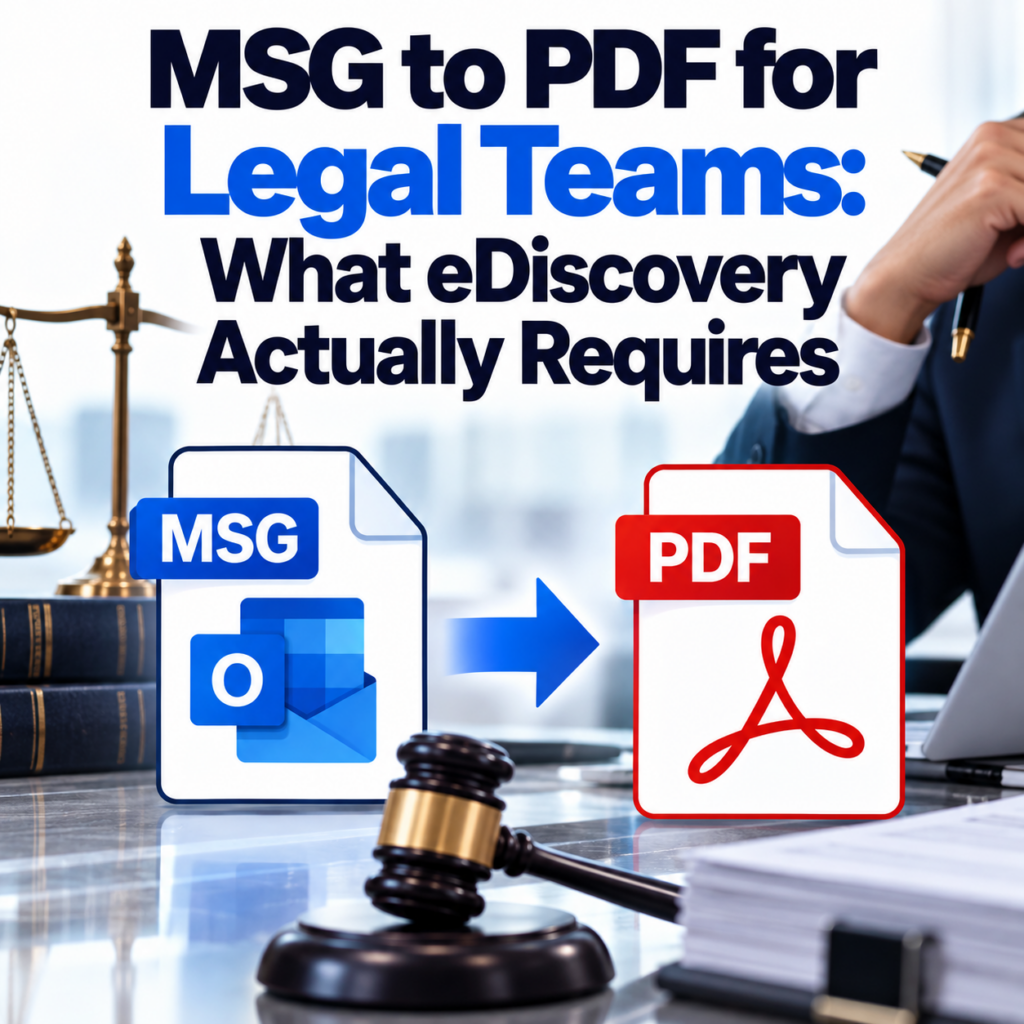
MSG to PDF for Legal Teams: What eDiscovery Actually Requires
Legal teams requesting email records from opposing parties, clients, or custodians increasingly receive them as MSG files. The problem: most people on the receiving end aren’t running Outlook, and “just open it in Outlook” isn’t a workable response when you’re processing hundreds of files for a case review.
Converting MSG files to PDF solves the access problem — but only if the conversion is complete. In a legal context, a PDF that’s missing the BCC field, dropped the timestamp, or stripped the attachment list isn’t just inconvenient. It’s an inaccurate representation of the original document, which creates evidentiary issues.
This guide covers what completeness means in practice, what metadata courts and regulators care about, and how to make sure your conversion workflow produces defensible output.
Why Lawyers and Paralegals Are Dealing With MSG Files
MSG files show up in legal contexts for a few predictable reasons:
- Litigation holds and production requests: When a party produces email records under a discovery order, Outlook-based organizations often export individual emails as MSG files — it’s the native export format from their mail client.
- Regulatory investigations: Regulators requesting communications from companies frequently receive MSG exports from IT departments running Exchange environments.
- Internal investigations: HR, compliance, and legal teams pulling communication records from corporate email systems often work with MSG files as the raw output.
- Expert review engagements: Forensic accountants, expert witnesses, and consultants brought into disputes receive email productions in whatever format the custodian uses — often MSG.
None of these people necessarily have Outlook. And even when they do, reviewing hundreds of MSG files by opening each one individually isn’t a workflow — it’s a time sink. Converting to PDF creates a portable, reviewable, shareable format that integrates with document review platforms.
What a Legally Complete MSG-to-PDF Conversion Includes
The standard isn’t subjective here. A complete email-to-document conversion should capture everything that would be visible in the original email as rendered in the email client. That means:
- Full header block: From (with display name and email address), To, CC, BCC, Date and time (including timezone), Message-ID, Subject
- Body content: Complete text, preserved formatting, inline images
- Attachment references: Filenames and file types of all attachments clearly listed — even if the attachment files themselves are separate
- Thread history: Any quoted replies included in the MSG file should appear in the PDF
The BCC field deserves specific mention. Many general-purpose converters drop it entirely. In litigation, who received a BCC can be directly relevant to questions of intent, privilege, and communication scope. A conversion that silently drops the BCC field is not an accurate document.
Note: MSG-to-PDF conversion produces a human-readable representation of the email. It does not produce a forensically examined copy in the way that specialized eDiscovery platforms (Relativity, Nuix, Logikcull) do. If your case requires chain-of-custody documentation, hash verification, or metadata load files for a review platform, you’ll need those tools. What conversion does is give you a readable, shareable, archivable document from an otherwise inaccessible file format.
Metadata That Matters in eDiscovery
Standard discovery requests under Federal Rules of Civil Procedure Rule 34 can specify the format for document production. “Reasonably usable form” is the standard phrase. A PDF that accurately represents the original email generally meets this standard for most review purposes — though specific cases may have their own protocol agreements.
The metadata fields most commonly at issue in litigation:
- Sent date/time: Timestamp disputes come up frequently. The PDF should reflect the original send time, not the conversion date.
- Recipient lists: To, CC, and BCC fields establish who was part of a communication.
- Attachment list: Proving what was sent alongside an email often matters.
- Reply chain: Context from thread history is frequently relevant to establishing timeline and intent.
The dedicated eDiscovery conversion guide goes deeper on format requirements and when PDF production is appropriate versus when native format production may be required.
The Bulk Conversion Problem
Individual eDiscovery productions can involve dozens, hundreds, or thousands of MSG files. Converting them one at a time is not viable. This is where batch processing becomes essential.
The bulk MSG to PDF converter processes multiple files in a single upload. You’ll get one PDF output per MSG file, with consistent formatting across all of them — useful for Bates numbering and review platform ingestion afterward.
For large-volume productions, you’ll want an account rather than guest access. Guest conversions are limited to 3 files. Account holders get 10 free conversions and access to batch mode. See the pricing page for the options.
When Conversion Is and Isn’t the Right Answer
Conversion to PDF is the right answer when:
- You need to review email content and don’t have Outlook
- You’re sharing records with external parties who need a universally readable format
- You’re building a document set for human review and need consistent, printable output
- You’re archiving communications for regulatory compliance purposes
- You need to Bates stamp email records for production
Conversion to PDF is not the right answer (alone) when:
- Your review platform requires native file ingestion with load files and extracted metadata
- The case requires forensic authentication of the original files (hash values, chain of custody)
- You need to search across thousands of emails in a structured way — review platforms handle this better than PDFs
These aren’t mutually exclusive. Many workflows convert to PDF for attorney review while preserving the original MSG files for potential native production or forensic purposes.
Handling Mixed Email Formats in a Production
It’s common to receive a production that includes both MSG files (from Outlook users) and EML files (from Gmail, Apple Mail, or other clients). These require different handling. The EML to PDF converter handles EML files, and the MSG vs. EML comparison explains the format differences and what they mean for your review workflow.
What About Privilege Review?
Converting MSG files to PDF doesn’t affect privilege determinations — that review happens on the content regardless of format. What it does do is make privilege review faster: readable PDFs are easier to scan than binary MSG files that require specialized software to open, and they can be shared with reviewing attorneys who may not have the necessary tools.
If your workflow includes a privilege log, the metadata preserved in the PDF — sender, recipients, date, subject — gives you the information you need to populate it without opening each file individually.
Security and File Handling
Legal email records are sensitive by definition. Before using any conversion tool, the security model matters:
- In-transit encryption: Files should be encrypted in transit. MSG to PDF Converter uses encrypted connections for all uploads.
- Retention: Files are automatically deleted after 24 hours. Nothing is retained indefinitely.
- No inbox access: The tool converts files you upload — it never connects to your email account or inbox.
For productions under protective order or with confidentiality designations, those constraints apply to how you handle the output PDFs — the conversion tool itself doesn’t change those obligations.
Step-by-Step for a Small Legal Production
- Collect all MSG files from the relevant custodians or from your PST extraction
- Review file names and organize by custodian if you’re handling multiple people’s records
- Upload to the bulk converter in batches (account required for multi-file uploads)
- Download the converted PDFs
- Apply Bates numbering in your PDF editor or document management system
- Review for completeness — spot-check a sample of PDFs to confirm headers, body, and attachment references are present
- Produce to opposing counsel or upload to your review platform
For detailed instructions on the conversion itself, the how-to guide covers every step with screenshots. The FAQ page has answers to common questions about file types, limits, and account setup.
Processing email records for legal review? Convert your MSG files to accurate, complete PDFs — no Outlook required.Convert MSG to PDF Now →