Email is the most common form of documentary evidence in civil litigation — and also one of the most commonly mishandled. Screenshots get excluded. Printouts get challenged. Forwarded copies raise chain-of-custody questions. Understanding what makes email evidence admissible and how to prepare it correctly can mean the difference between evidence that stands up and evidence that gets thrown out.
This guide covers the practical steps for preparing email evidence from MSG and EML files for use in legal proceedings. It’s aimed at paralegals, legal assistants, litigants preparing their own cases, and anyone else who needs to take an email from “file on disk” to “court-ready exhibit.” It is not legal advice — if the stakes are high, work with an attorney on your evidence strategy.
Why Email Evidence Gets Challenged
Email evidence faces two main categories of challenge: authenticity and completeness.
Authenticity challenges
An email must be authenticated before it can be admitted as evidence — someone needs to establish that the email is what it claims to be. Under Federal Rule of Evidence 901 (and analogous state rules), this typically means showing:
- The email was actually sent by the purported sender
- The content has not been altered since it was sent
- The metadata (headers, timestamps) is accurate
Screenshots are weak evidence for exactly this reason. A screenshot shows what’s on a screen, not what’s in the underlying file. Anyone can take a screenshot of a fake email or edit a screenshot after the fact. Courts increasingly require that email evidence be produced in a format that demonstrates it came from the original source.
Completeness challenges
Under the rule of completeness (Federal Rule of Evidence 106), if you introduce part of an email thread, the other party may be entitled to introduce the rest of the thread to provide context. More broadly, cherry-picking isolated emails without surrounding context can open your evidence to challenge.
Incomplete headers are a related issue. A PDF that shows the body of an email but is missing the From address, the Date, the CC list, or the BCC recipients has gaps that opposing counsel will exploit. Producing complete emails — with all metadata intact — is both better evidence and harder to challenge.
Starting With the Source File
The gold standard for email evidence is the native file — the actual MSG or EML file as it exists in the email system. Native files contain all metadata in their original form. They’re harder to falsify than printouts. They can be run through forensic analysis if authenticity is genuinely contested.
If you’re in litigation, the first step is to preserve the original email files. Don’t convert or alter the originals — keep them intact and work from copies. Chain of custody documentation (who had access, when, what was done) strengthens authenticity arguments later.
Where email files come from
Depending on the email system involved, native files are obtained by:
- Outlook: Dragging emails from Outlook to a folder saves them as MSG files. Right-click → Save As also works. This is the most direct method for obtaining native files from Outlook mailboxes.
- Gmail: Three-dot menu → Download message saves an individual email as an EML file. Google Takeout exports full mailboxes as MBOX archives, which can be split into individual EML files.
- Exchange server / Microsoft 365: eDiscovery exports through the Microsoft Purview compliance portal produce PST files or individual MSG/EML files depending on configuration.
- Other mail systems: Most support EML export either natively or through IMAP.
Converting Email Files to PDF for Court Use
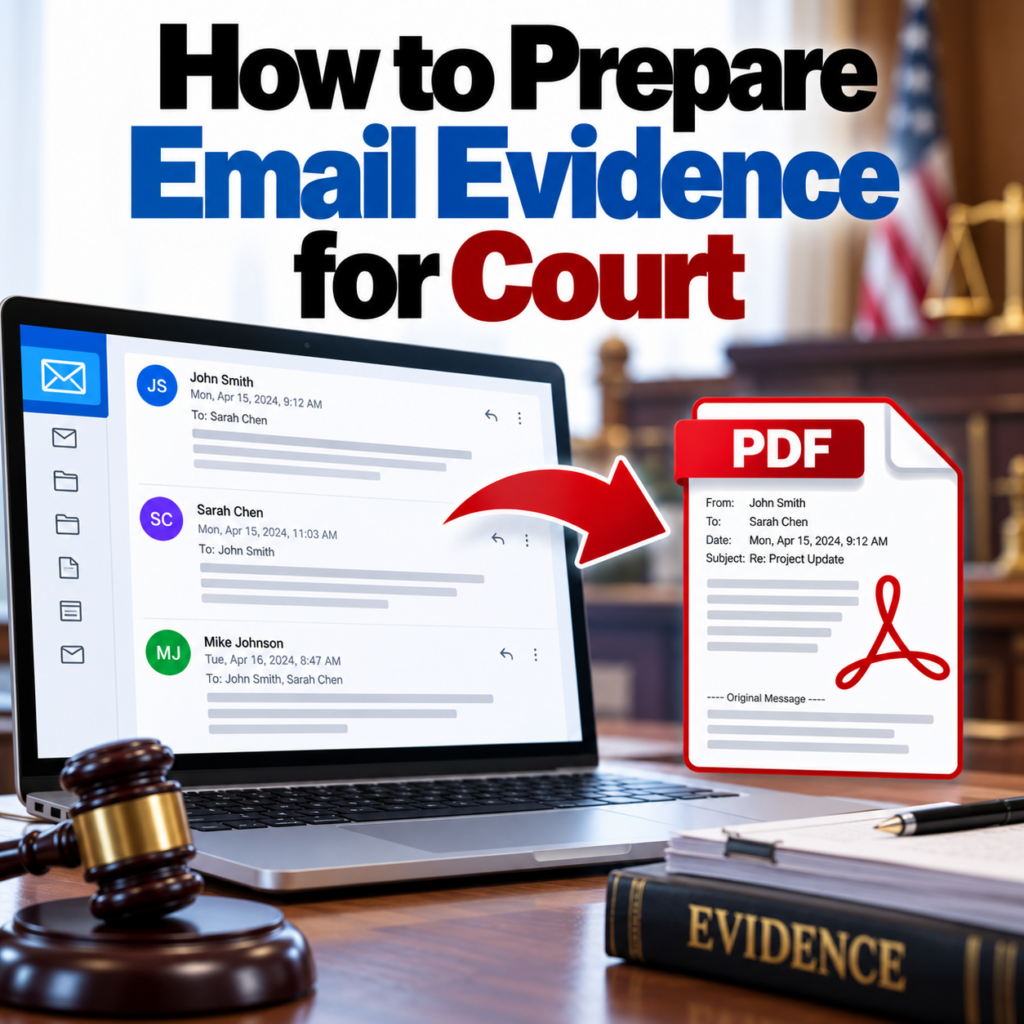
Courts work with documents, not email client files. MSG and EML files can’t be filed directly — they need to be converted to a format that the court system can handle. PDF is the universal standard for court filings.
The conversion must preserve what matters for authenticity: complete headers including all recipient fields (To, CC, BCC), accurate timestamps, sender identification, and the complete message body. Use a purpose-built email converter — not Outlook’s print function (which drops BCC and some headers) and not a generic file converter (which often mangles the format or loses metadata entirely).
The MSG to PDF converter reads directly from the MSG file’s property store, which means it captures fields — including BCC — that Outlook’s own print function often omits. For Gmail EML files, the EML to PDF converter handles the MIME encoding and produces equivalent output.
What the converted PDF should contain
A court-ready email PDF should clearly show:
- From: Full name and email address of the sender
- To: All primary recipients with email addresses
- CC: All carbon copy recipients
- BCC: Blind copy recipients (present in sender’s copy of the message)
- Date: Original send timestamp, including timezone
- Subject: Complete subject line
- Message body: Complete content, correctly formatted
- Attachment references: Filenames of any attachments
If your converted PDF is missing any of these fields, reconsider the conversion method. The legal eDiscovery guide covers completeness requirements in more detail.
Email Threads as Evidence
A thread of email correspondence is often the most important evidence in a case — not a single message, but the back-and-forth that shows what was communicated and when. There are two ways to produce an email thread as evidence:
Option 1: Convert the last reply in the thread
If the thread used standard reply chains (each reply quoting the previous messages), the last email in the thread contains the complete conversation in its body. Converting just that one file produces a single PDF that shows the entire exchange — oldest messages at the bottom, most recent at the top.
This works well for routine correspondence. The limitation is that it relies on Outlook’s quoting behavior, and if any participants didn’t use quoted replies, those messages won’t appear in the final message’s body.
Option 2: Convert each message separately and sequence them
Converting each message in the thread to its own PDF, then sequencing them chronologically, gives you individual documents with individual timestamps. This is often preferred for legal production because each message can be cited independently and Bates-stamped individually. See the thread conversion guide for the mechanics of this approach.
For litigation, separate PDFs per message are generally the better choice. They can be individually cited, individually Bates-stamped, and individually challenged if authenticity is contested for a specific message.
Bates Stamping Email PDFs
Bates stamps are sequential identifiers applied to every page of a document production — a way to uniquely identify every page so it can be cited in depositions, briefs, and at trial. If you’re responding to a formal discovery request or producing documents in litigation, Bates stamping is standard practice.
Once emails are converted to PDF, any PDF editor with Bates stamping capability can apply the stamps. Common tools: Adobe Acrobat Pro (under Edit → Bates Numbering), Nuance Power PDF, and various eDiscovery platforms. The format is typically a prefix, zero-padded number, and sometimes a suffix — for example, SMITH000001 through SMITH000247 for a 247-page production.
Plan your Bates numbering before you start stamping. You’ll want a consistent prefix that identifies the producing party, enough digits to accommodate your full production volume with room to spare, and a clear numbering scheme that’s easy to reference in filings.
Formatting Requirements for Court Filings
Courts often have specific formatting requirements for filed documents. Common requirements that affect email PDFs:
- Page size: US Letter (8.5″ × 11″) is standard. Email PDFs converted from MSG files may default to letter size already; verify before filing.
- PDF/A format: Some courts require PDF/A, a subset of PDF designed for long-term archiving. PDF/A prohibits features like encryption and multimedia that could affect long-term readability. Your PDF editor can convert standard PDFs to PDF/A.
- File size limits: E-filing systems often have file size limits per document. Large email productions may need to be split across multiple filings.
- Bookmarks and navigation: Some courts require or prefer PDFs with bookmark navigation. If you’re producing a large email collection as a single PDF, add bookmarks by message.
Check your jurisdiction’s local rules and the specific court’s e-filing requirements before submitting. Requirements vary significantly.
Handling Attachments
Email attachments are separate evidence items. The email PDF itself should list the attachment filenames so it’s clear what was attached — but the attachments themselves need to be produced as their own files.
In an eDiscovery production, attachments are typically produced alongside their parent emails, with the attachment’s Bates range immediately following the parent email’s range. The relationship between parent email and child attachment is recorded in a metadata load file.
If you’re not doing a formal eDiscovery production but need to produce an email with attachments, producing the email as a PDF and the attachments in their native format (Word, Excel, PDF, image) is a reasonable approach. Make sure the email PDF clearly shows which attachments existed so there’s no question about completeness.
Authenticating Your Email Evidence
Even with a complete, well-formatted PDF, authenticity may be challenged. Common methods for authenticating email evidence:
- Witness testimony: A person with knowledge can testify that the email is what it purports to be — “This is the email I received on [date], and this PDF is an accurate representation of it.”
- Business records authentication: If the email was produced from a company’s mail system as part of its normal recordkeeping, the business records exception (FRE 803(6)) may apply.
- Admissions: If the other party doesn’t deny sending the email, authenticity may be established without a formal hearing.
- Forensic examination: In contested cases, digital forensics experts can examine the original email files for signs of tampering and testify about their findings.
Keep the original MSG or EML files throughout the litigation. If authenticity is challenged, you may need them for forensic examination. Producing only a PDF without the underlying native file makes forensic analysis impossible.
Note on bulk conversions: If you’re processing a large volume of emails for a litigation matter — a full mailbox export, a keyword-filtered set, or a date-range production — the bulk converter handles multiple files at once and produces consistent output. Consistency across a large production is important for both usability and defensibility.
Summary Checklist
- Preserve original MSG or EML files — don’t alter them
- Document chain of custody from the moment you save the files
- Convert using a purpose-built email converter that preserves all headers including BCC
- Verify the PDF includes From, To, CC, BCC, Date, Subject, and complete body
- For threads, decide whether to produce as a single document or individual messages per email
- Apply Bates stamps before filing or producing
- Check court formatting requirements (letter size, PDF/A, file size limits)
- Handle attachments separately, noting the parent-child relationship
- Retain original native files throughout the proceeding
Need to convert email files to complete, court-ready PDFs? Upload MSG or EML files and get properly formatted output with all headers preserved.Convert Email Evidence to PDF →