Guide

How to convert MSG to PDF

The fastest way is to upload the .msg file to a dedicated online converter, which preserves headers and attachments in one step. You can also use Outlook's built-in Print to PDF, though it typically drops sender/recipient metadata and can reflow formatting. Converting .eml files works the same way.

Checking a converted MSG to PDF file for accuracy

How to confirm the conversion worked correctly

Before you rely on a converted file — especially for a record, a client, or a legal matter — it's worth a quick check rather than assuming it converted cleanly:

  • Open the PDF and check the header first. Sender, recipients, subject, and date should all be visible at the top, matching the original email.
  • Scroll to the end and count the attachments. If the original email had three attachments, the PDF should have three appended after the message body.
  • Compare formatting against the original. Bullet points, bold text, and embedded images should look the same as they did in Outlook — significant reflow usually means the wrong method was used (see Method 2's limitations above).
  • Search the text. Use your PDF viewer's search function to confirm the body text is real, selectable text — not a flattened image, which wouldn't be searchable later.
Fastest · No install

Method 1: Use an online MSG to PDF converter

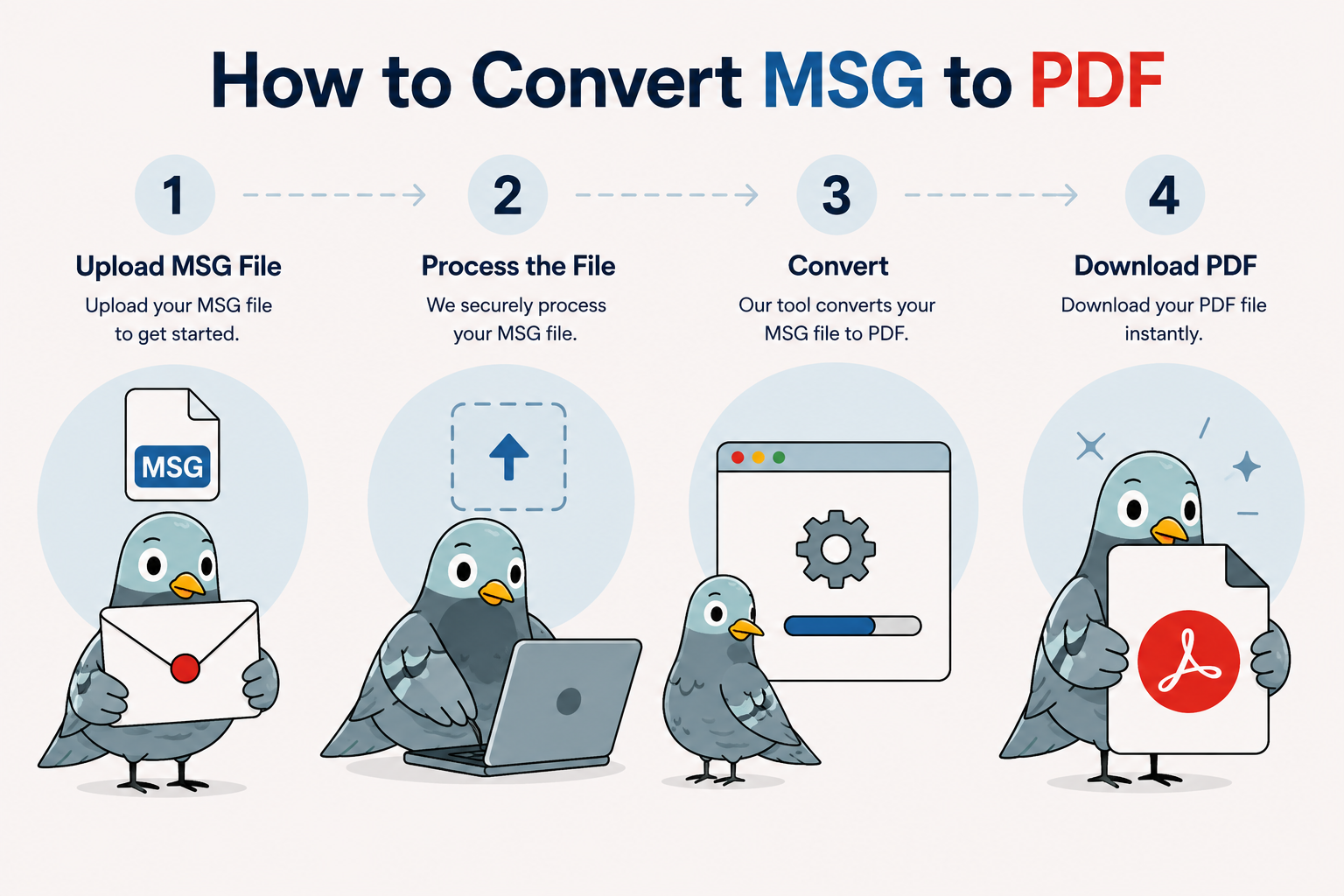
  1. Go to the converter and open the upload box.
  2. Drag in your .msg file (or click to browse). You can select more than one file to batch-convert.
  3. Click Convert to PDF. The tool rebuilds the sender, recipients, subject, timestamp, body, and any attachments into a single PDF.
  4. Download the PDF. It opens in any PDF reader on any device — no Outlook required.
Convert your MSG file →

Which method should you use?

Need to convert more than one file? See the bulk MSG to PDF converter or compare free and paid plans.

MethodSpeedPreserves headersPreserves attachmentsNeeds Outlook
Online converterSecondsYesYesNo
Outlook Print to PDF~1 minutePartialNoYes
Bulk converterSeconds per fileYesYesNo

Frequently asked questions

How do I save an Outlook email as PDF on Mac?

Save the email as an .eml file from the ··· menu, then upload it to the converter — Mac Outlook doesn't need to produce a .msg file for this to work.

Does Outlook on the web let me export to PDF directly?

Not with full headers and attachments intact. Download the message as .eml first, then convert the .eml to PDF.

Why is my Outlook PDF missing the sender's full email address?

Print to PDF typically shows the display name only. A dedicated converter reads the underlying header data, including the full address.

Can I convert an .eml file the same way as .msg?

Yes — the converter on this page accepts both file types. See the full EML to PDF guide if you're working primarily with .eml files.

How do I convert many Outlook emails to PDF at once?

Create a free account to unlock batch upload, then convert multiple files in a single pass — or use the bulk MSG to PDF converter for larger mailbox exports. Guests are limited to one file at a time.