Comparison

MsgToPdfConverter vs. Zamzar: which should you use?

Zamzar is a general-purpose converter handling 1,100+ file formats; MsgToPdfConverter is built for one job — converting Outlook MSG and EML files to PDF. If you specifically need to convert email files with headers and attachments intact, a purpose-built tool is generally a better fit. If you need to convert many different file types beyond email, Zamzar's breadth is the advantage.

A few real scenarios

Converting a client email for a case file: use a specialist tool — header accuracy and attachment handling matter more than convenience here. See how MSG to PDF works for legal and eDiscovery workflows.

Occasionally converting a random file type once a month: Zamzar's breadth means you won't need a second tool the next time it's a video or a spreadsheet instead.

Archiving a shared mailbox before decommissioning it: a specialist batch converter built specifically for email will handle the volume more predictably than a general-purpose queue. See the bulk MSG to PDF converter for high-volume email archiving.

Building a workflow that needs programmatic conversion: Zamzar's API is the more mature option today for that specific need.
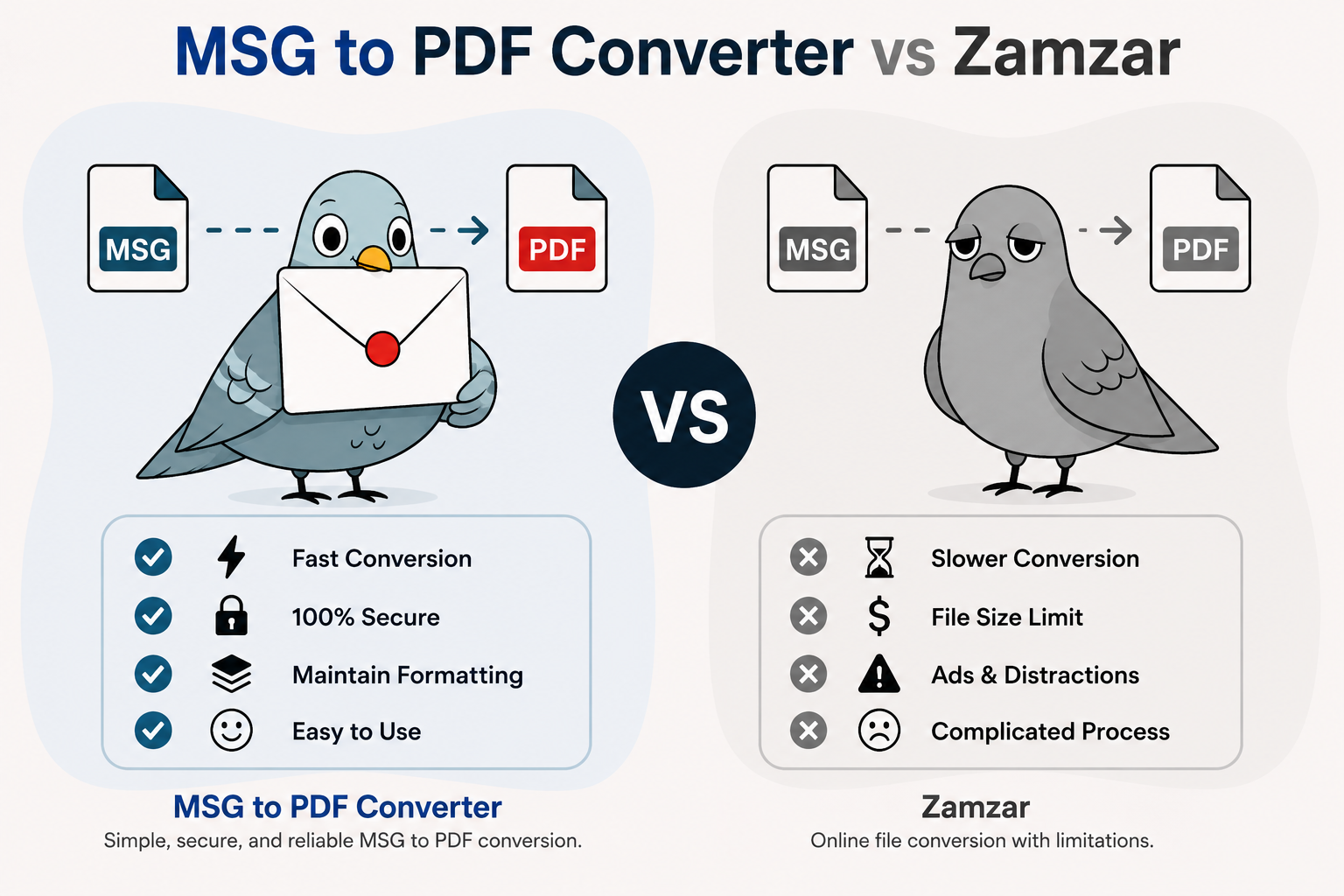
Choosing between MsgToPdfConverter and Zamzar based on use case

Feature by feature

 MsgToPdfConverterZamzar
Formats supportedMSG, EML → PDF (focused)1,100+ formats
Preserves email headersYesVaries by format handler
Attachments includedYesVaries
Free file size limit10MB50MB
Account requiredFor 10+ conversions or batchFor files over 50MB
Batch conversionWith free accountPaid plans
API accessNot currently offeredAvailable
Best forEmail-specific conversion, depthBroad, occasional format conversion

Where Zamzar makes sense

  • You convert many different file types. If email conversion is occasional and you also need video, audio, or image conversion, one tool covering 1,100+ formats is more convenient than switching between specialists.
  • You need API access. Zamzar offers a developer API for programmatic conversion; that's not something a single-purpose tool typically provides.
  • You need larger free file sizes. Zamzar's free tier allows files up to 50MB, compared to our 10MB limit — though our free and paid plans are built around email conversion specifically.

Where Zamzar makes sense

  • You convert many different file types. If email conversion is occasional and you also need video, audio, or image conversion, one tool covering 1,100+ formats is more convenient than switching between specialists.
  • You need API access. Zamzar offers a developer API for programmatic conversion; that's not something a single-purpose tool typically provides.
  • You need larger free file sizes. Zamzar's free tier allows files up to 50MB, compared to 10MB here.

Frequently asked questions

Yes. Guests get 3 free conversions with no account, and a free account raises that to 10 plus batch upload — similar in spirit to Zamzar's free tier, with a smaller file size limit (10MB vs. Zamzar's 50MB). See the full breakdown on the pricing page.

This varies by how their general-purpose conversion pipeline handles the MSG format specifically — since it's one of over a thousand formats they support, it isn't built with the same email-specific focus.

Yes — there's no lock-in with either tool. Many people use a specialist converter for email specifically and a general tool like Zamzar for everything else.