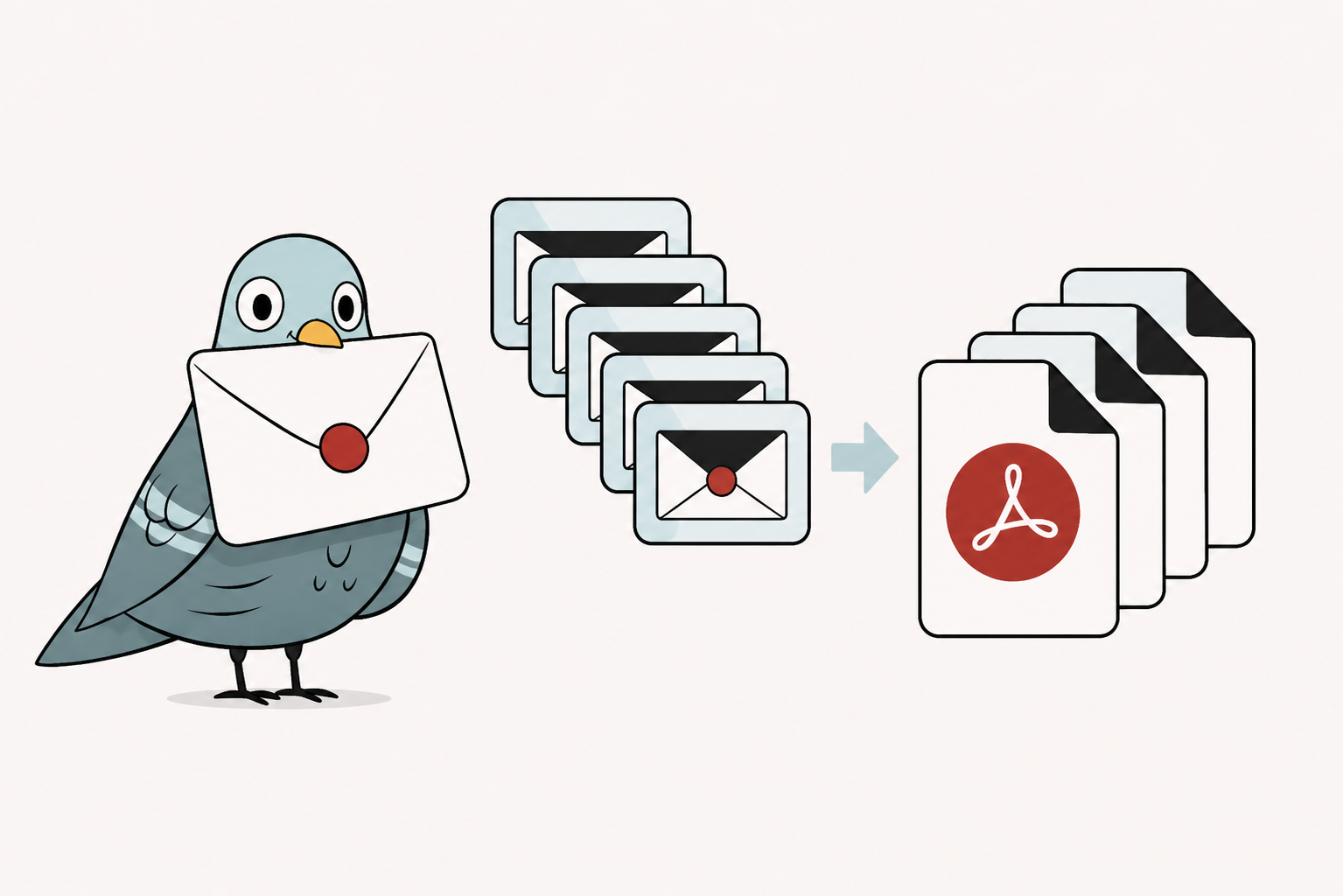
Batch conversion doesn't combine your emails into a single document. Each file in the batch is converted the same way as a standalone MSG to PDF conversion, which matters for how usable the result actually is:
Converting emails one by one is fine for a handful of messages. It falls apart fast when you're exporting a mailbox, responding to a legal hold, or archiving a shared inbox.
Moving off Outlook or decommissioning a mailbox means exporting everything — not converting messages one at a time for weeks.
Litigation and compliance requests often mean handing over hundreds of emails as PDFs, on a deadline. See how MSG to PDF works for legal and eDiscovery workflows.
Retention policies frequently require converting shared or departing-employee mailboxes into a portable, non-proprietary format.
Batch upload isn't available to guests — a free account raises your limit and unlocks multi-file conversion.
Choose as many .msg or .eml files as you need, up to 10MB each.
Each email converts into its own PDF, with headers, formatting, and attachments preserved individually.
[Confirm: retrieved individually, or bundled as a single ZIP archive?]
Full pricing and feature breakdown on the Pricing page. See also how batch conversion compares to Zamzar.
| Plan | Conversions | Batch upload |
|---|---|---|
| Free account | 10 | Yes |
| Starter | 500 / month | Yes |
| Pro | 3,000 / month | Yes, faster processing |
| Team | 15,000 / month | Yes, shared workspace |
[Confirm: is there a per-upload cap on number of files in a single batch, separate from the monthly plan total?]
[Confirm: do the rest of the batch's files still convert, and does a failed file count against the plan's conversion total?]
Not currently — batch conversion is available through the web interface with any free or paid account. See the pricing page for plan options.
Yes — each email in a batch is converted the same way as a single conversion, with its attachments appended to its own PDF.