Definition
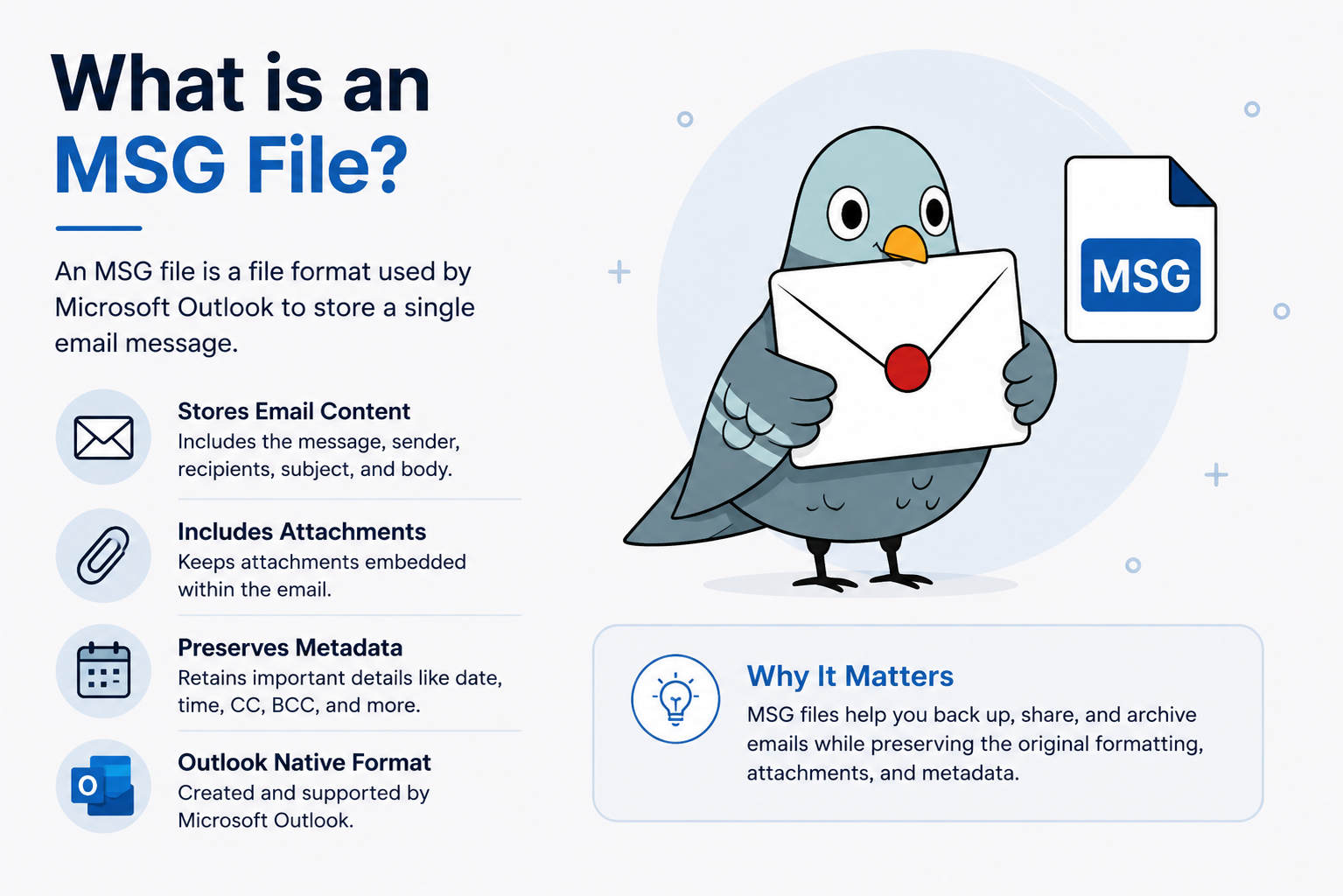
An MSG file (.msg) is Microsoft Outlook's proprietary format for storing a single email message — including its headers, body, and any attachments — as one self-contained file. It's built on Microsoft's older Compound File Binary format, which is why it can't be opened as plain text and generally requires Outlook or a compatible tool to read.
| MIME type | application/vnd.ms-outlook |
|---|---|
| Underlying format | OLE2 / Compound File Binary (CFB) |
| File signature (hex) | D0 CF 11 E0 A1 B1 1A E1 |
| Access method | MAPI (Messaging API) |
Working with EML files? See the EML to PDF converter or read the full MSG vs. EML breakdown.
| MSG | EML | |
|---|---|---|
| Created by | Microsoft Outlook | Most other email clients |
| Format type | Proprietary binary | Open standard (RFC 5322) |
| Human-readable as text | No | Yes |
| Needs Outlook to open natively | Usually | No |
An MSG file is a compound document — the same underlying container format Microsoft historically used for legacy .doc and .xls files. Rather than storing plain text, it packages several distinct pieces into one binary file:
That last point is the key difference from most other email formats: an MSG file carries Outlook's internal bookkeeping along with the message itself, which is part of why it's proprietary rather than an open standard.
Not natively, since Outlook for Mac doesn't handle .msg files the same way Windows Outlook does. Converting the file to PDF is the most reliable way to view it on a Mac.
Generally yes, the same as any email — but treat unexpected .msg attachments from unknown senders with the same caution you would any email attachment.
Yes — MSG files are commonly converted to PDF for universal viewing, or to EML for use in other email clients.
This usually happens when someone forwards or exports an email as an attachment from Outlook — the recipient gets a .msg file even if they don't use Outlook themselves. Converting it to PDF is the quickest way to open it on any device.