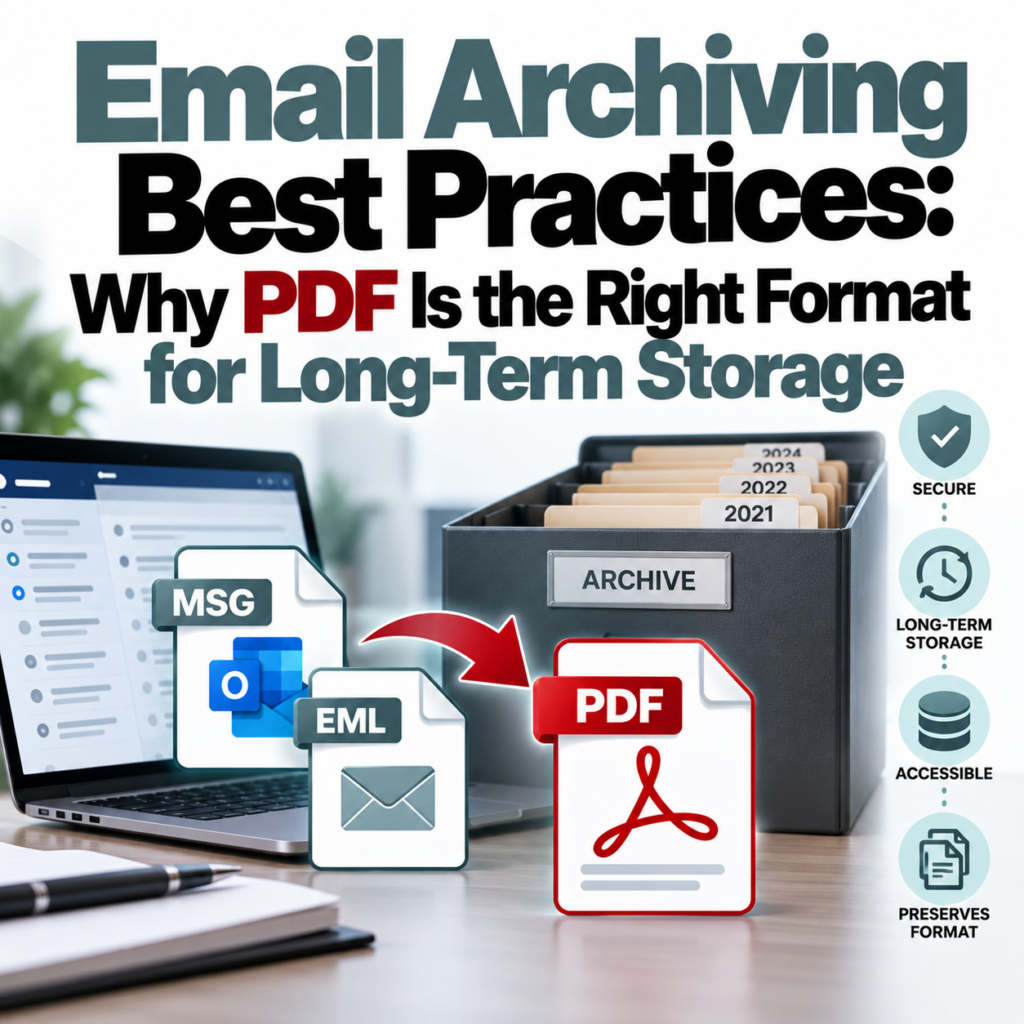
Email Archiving Best Practices: Why PDF Is the Right Format for Long-Term Storage
Business email records have a habit of becoming problems later. The email you sent about a contract change in 2019 becomes relevant in a 2024 dispute. The inbox you migrated when you switched email providers has files in a format your new system can’t open. The compliance archive you built on MSG files is now unreadable because no one on the team uses Outlook anymore.
These are preventable problems. The key is choosing the right archival format from the start — one that doesn’t depend on any particular software being available in three, five, or ten years. PDF is that format. Here’s why, and how to make the conversion workflow practical.
Why Proprietary Email Formats Are a Long-Term Liability
MSG files are Microsoft Outlook’s proprietary format. EML is more portable (it’s an open standard), but it still requires a tool that can parse MIME encoding and render HTML email bodies correctly. PST files — Outlook’s personal storage format — are a particularly fragile long-term choice: they’re large, binary, corruption-prone, and require Outlook to open.
The problem with all of these for archiving is dependency. You’re dependent on a specific application being available, on that application being able to open the file version you created years ago, and on the tool rendering the content correctly. That dependency becomes visible the moment the application changes, the license lapses, or the team that used the tool is no longer around.
PDF is different. It’s an ISO standard (ISO 32000). PDF readers are available on every operating system, every device, for free. A PDF created today will be readable in 20 years on a machine that doesn’t yet exist, using software that hasn’t been written yet. That’s the actual archival value of the format.
What “Complete” Means for an Email Archive
An email archive is only useful if it captures the complete record. For email PDFs, completeness means:
- Full header block: From, To, CC, BCC, Date/Time (with timezone), Subject, Message-ID. Every field that was present in the original.
- Accurate timestamps: The original send time, not the conversion date. This sounds obvious but is worth verifying — some tools stamp the conversion time rather than the email time.
- Complete body content: Rendered HTML, preserved formatting, inline images.
- Attachment references: Filenames and types clearly listed. The attachment files themselves should be retained separately and linked or cross-referenced.
- Thread history: Reply chains that were included in the original message.
An archive with gaps — missing BCC fields, dropped timestamps, stripped attachments — is not a reliable record. It might contain the information you need most of the time, but the gaps will show up at the worst possible moment.
For MSG files specifically: Many general-purpose converters silently drop the BCC field and occasionally mangle timestamps. Use a purpose-built tool. The Outlook MSG to PDF converter reads the underlying MAPI properties directly, producing complete header output including BCC.
Should You Keep the Original Files Too?
Yes, when possible. The right archiving strategy is to keep the original email files (MSG, EML, or PST extracts) alongside the converted PDFs. The PDFs are the human-readable layer — easy to search, share, and review. The originals are the authoritative source if you ever need to demonstrate that the PDF is an accurate representation, or if you need to re-process them with different tools later.
This dual approach is particularly important for legal compliance. If you’re ever in a discovery situation, being able to produce both the native file and the PDF conversion demonstrates that the PDF is faithful to the original.
Building a Practical Archiving Workflow
For individuals and small teams, the workflow doesn’t need to be complicated:
- Identify what needs to be archived. Not every email requires long-term archiving. Focus on client communications, contracts and agreements, legal notices, project decisions, and anything with potential future significance.
- Export from your email client regularly. Set a cadence — monthly, quarterly — where you export relevant emails as MSG or EML files. This is easier to maintain as an ongoing habit than doing a massive catch-up archive later.
- Convert to PDF in batch. Use the bulk converter to process your exported files. One PDF per email, consistent formatting across the batch.
- Name files consistently. A naming convention like “YYYY-MM-DD_Sender_Subject.pdf” makes archives searchable without needing specialized tools. Apply this to both the PDF and the original file.
- Store in a backed-up location. Archive files should live in cloud storage with version history (Google Drive, Dropbox, OneDrive, S3) or on physical backup media with tested recovery. A local folder with no backup is not an archive.
Industry-Specific Retention Requirements
Different industries have specific email retention requirements. PDF is an accepted format in nearly all of them, but the retention period and access requirements vary:
- Legal: Varies by matter type. Many firms retain client communication records for 7–10 years after matter closure.
- Financial services (SEC Rule 17a-4): Broker-dealers and registered investment advisors must retain email records for 3–6 years depending on the record type, in non-rewritable, non-erasable format (WORM storage). Standard PDF on cloud storage doesn’t qualify for WORM compliance — that requires specialized solutions.
- Healthcare (HIPAA): Email communications containing PHI (protected health information) are subject to HIPAA’s email security requirements. For archiving purposes, encryption and access controls are required alongside retention.
- Government contractors: FAR/DFARS requirements for contractor communications can require retention for the duration of the contract plus several years.
- General business: Most business records have a 7-year default under IRS guidelines for tax records. Many businesses apply this broadly to communications.
PDF is appropriate for the archival storage layer in all of these. The surrounding infrastructure (access controls, encryption, storage medium) depends on the specific regulatory requirements.
Archiving Mixed Email Formats
Real inboxes aren’t tidy. You’ll have MSG files from Outlook, EML files from other clients, maybe MBOX archives from Gmail Takeout. For long-term archiving, the format mix doesn’t matter much as long as you handle each correctly:
- MSG files: use the MSG to PDF converter
- EML files: use the EML to PDF converter
- MBOX archives: split into individual EML files first, then convert
The format differences matter for conversion but not for the archive itself — all your output PDFs look the same regardless of the source format. The MSG vs. EML breakdown explains the conversion differences if you’re working with both.
The Search Problem With PDF Archives
One trade-off with PDF archiving: searching across a large PDF archive is slower than searching native email formats in a dedicated platform. If you need to search across thousands of archived emails, a document management system with full-text search indexing is a better solution than a folder of PDFs.
For most small businesses and individual practitioners — where “search the archive” means finding a handful of specific emails you know exist — PDF search through Finder/Explorer, Adobe Acrobat, or your cloud storage platform’s search is adequate. For anything at enterprise scale, dedicated archiving platforms (Barracuda, Mimecast, Proofpoint) make more sense as the primary storage layer, with PDF export as a secondary output format for sharing.
Naming and Indexing Your Archive
A PDF with a filename of “00000042.pdf” is nearly useless in an archive. Before converting, take a few minutes to think about naming conventions. The most useful approaches:
- Date-first: “2024-03-15_Acme_Contract-revision.pdf” — sorts chronologically in any file system
- Party-first: “Acme_2024-03-15_Contract-revision.pdf” — groups by correspondent
- Matter number (for legal): “2024-0042_AcmeCorp_2024-03-15.pdf” — ties to case file
Apply the naming convention to the MSG or EML file before uploading to the converter — the output PDF inherits the input file name.
See the FAQ for common questions about the conversion process, and pricing for account options if you’re archiving in volume.
Ready to build a reliable email archive? Convert your MSG and EML files to complete, long-term-readable PDFs.Start Converting Now →