Converting an email to PDF for a compliance file, an HR investigation, or an audit response raises a question that rarely gets asked until something goes wrong: how much of the original email is still in that PDF?
A PDF that shows the message text but drops the sender address and timestamp is a readable copy, not a record. If you are archiving emails to satisfy a retention policy or support a decision later, the difference matters. Here is what a .msg file holds, what carries through conversion, and what to check before you rely on the output.
What a .MSG File Actually Stores
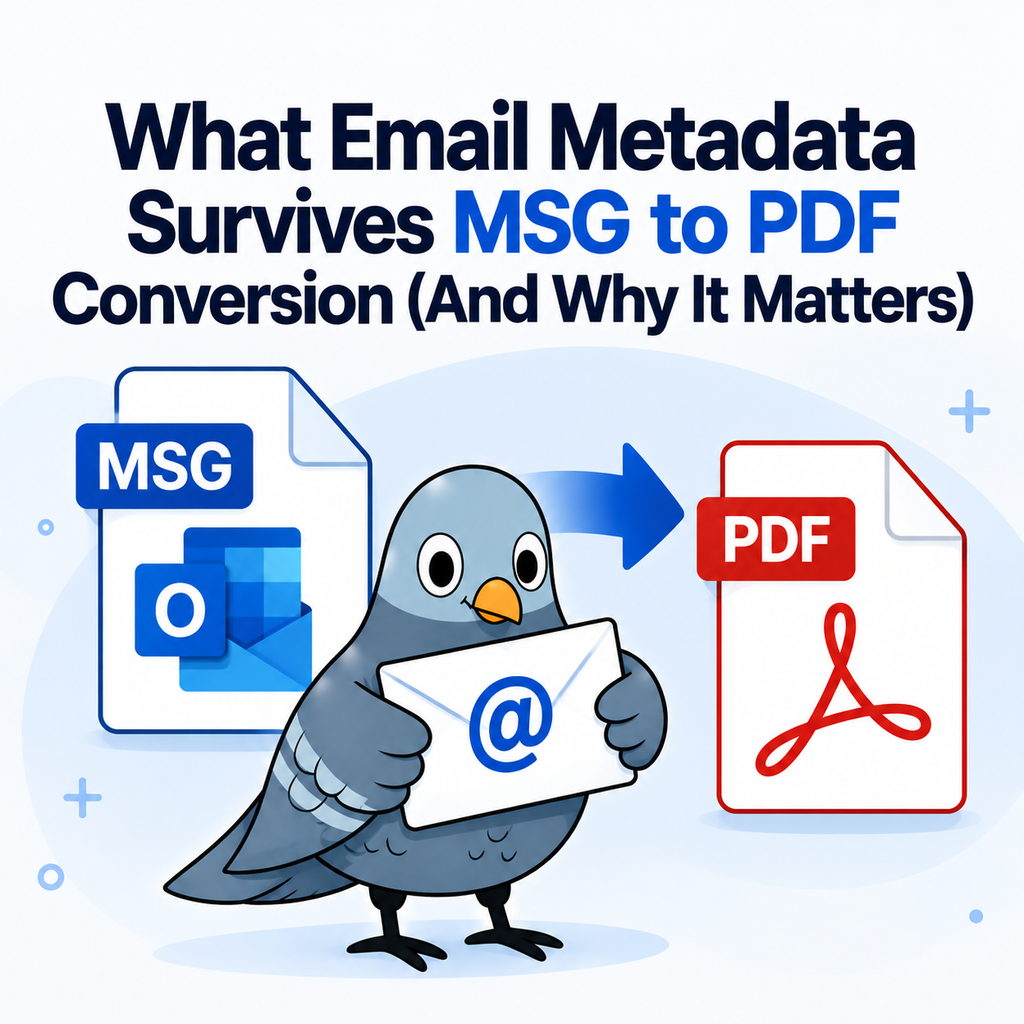
An Outlook .msg file is not just message text. It is a structured container holding several distinct layers of information:
- Display headers: from, to, cc, subject, and the send or receive timestamp. This is the information a reader would expect to see at the top of a printed email.
- Message body: the content in HTML, rich text, or plain text, including formatting, inline images, and hyperlinks.
- Attachments: embedded in full inside the container rather than referenced externally.
- Transport headers: the routing trail added by mail servers, including message IDs and delivery path information.
- Outlook-internal properties: flags, categories, read status, folder location, and other client-specific fields.
Our explainer covers the MSG format and how it stores this data in more detail. The important point is that these layers are not equally visible, and conversion treats them differently.
What Carries Through to the PDF
Conversion renders the email as it would appear to a reader, which means the display layer comes through reliably:
- Sender and recipient addresses, including cc
- Subject line
- Date and time as stored in the original message
- Body text with its original formatting
- Inline images and hyperlinks
- Quoted reply chains in a thread
For most business record keeping, that set is sufficient. An HR file needs to show who wrote what to whom and when. An audit trail needs the same. A converted PDF that preserves the header block and the body answers those questions on its face.
What Typically Doesn’t Carry Through
Two categories usually fall away, and both are worth understanding before you assume a PDF is a complete substitute for the original file.
Full transport headers. The raw routing information that mail servers attach is not part of what a reader sees, so it is generally not rendered in a standard conversion. This rarely matters for internal record keeping. It matters a great deal in forensic contexts, where the routing trail is evidence of authenticity and is examined directly.
Outlook-internal state. Flags, categories, read status, and which folder the message lived in are properties of your Outlook client rather than the email itself. They do not appear in the converted document.
Attachments need checking. Attachment handling varies between tools, and this is the single most common gap people discover late. If the original email carried a signed contract or an invoice, confirm the attachment is accounted for in your output before the file gets closed and archived. Do not assume.
Why This Matters for Retention Policies
Most record retention obligations, whether they come from employment practice, financial regulation, or an internal policy, expect a record to establish four things: who sent it, who received it, when, and what it said. A PDF that preserves the header block and body satisfies all four.
Where organisations get into trouble is with the shortcuts. Three failure modes show up repeatedly:
- Screenshots. They cut off at the fold, cannot be searched, and lose the header block whenever someone crops for tidiness.
- Copy and paste into a document. The headers usually go, the formatting rarely survives, and the result is editable, which undermines its value as a record.
- Print to PDF without checking. Printing captures what is on screen. Attachments are excluded, and long threads can break across pages in ways that hide content.
Conversion avoids all three because it reads the stored message rather than a screen rendering of it.
Keeping the Original Alongside the PDF
Here is the practice worth adopting: for anything with legal or regulatory weight, retain the original .msg file as well as the PDF.
The PDF is your working record. It is the version people open, search, circulate, and file. The .msg is your fallback. If authenticity is ever challenged, or someone needs the transport headers, the original file is the only place that information exists. Storing both costs almost nothing and closes the gap entirely.
This is standard practice in formal productions, and our notes on MSG to PDF conversion for legal and eDiscovery workflows cover the expectations in more detail.
Converting a Whole Archive
Retention work is rarely one email. It is a folder, a mailbox export, or a date range pulled in response to a request.
Our bulk MSG to PDF converter handles multiple files in a single upload with a free account. Two practical notes if you are converting an archive: spot-check the output rather than only the first file, and pay attention to file naming so the PDFs stay traceable back to the originals. A folder of PDFs named after subject lines becomes unusable once two emails share a subject.
If your export contains .eml files rather than .msg, which is common when the emails came from a non-Microsoft client or a Gmail export, our EML to PDF converter handles those the same way.
Security Considerations When Converting Records
Emails headed for a compliance file are usually sensitive by definition. Before uploading anything to a browser-based tool, confirm three things: that files are encrypted in transit, that there is a stated deletion policy, and that the tool does not request access to your mailbox.
Our converter encrypts uploads in transit, deletes files after 24 hours, and never connects to your inbox. You upload a single file, you get a PDF back, and nothing persists. For organisations with stricter handling rules, check the policy against your own requirements before routing regulated records through any external tool.
Frequently Asked Questions
Is a converted PDF admissible as evidence?
Admissibility depends on jurisdiction and on how the record was handled, not on the file format alone. Retaining the original .msg file alongside the PDF is the common practice, and questions of admissibility should go to your counsel.
Does the PDF keep the original send date?
Yes. The date and time stored in the message header are rendered into the document as part of the header block.
Can I search the text of a converted email PDF?
A converted PDF contains real text rather than an image of text, so it is searchable in any standard PDF reader.
Should I convert emails to PDF or keep the .msg files?
For records with legal or regulatory weight, keep both. The PDF is the accessible working copy; the original preserves everything the PDF does not display.
Converting With the Record in Mind
Most people converting an email to PDF only need it to be readable. If you are converting for a retention file, the bar is higher: the document has to answer who, to whom, when, and what, months or years after everyone has forgotten the context.
Check the header block, account for the attachments, and keep the original. Convert your Outlook emails to PDF and start with a record that holds up.