Legal & compliance

Converting Outlook emails to PDF for legal use

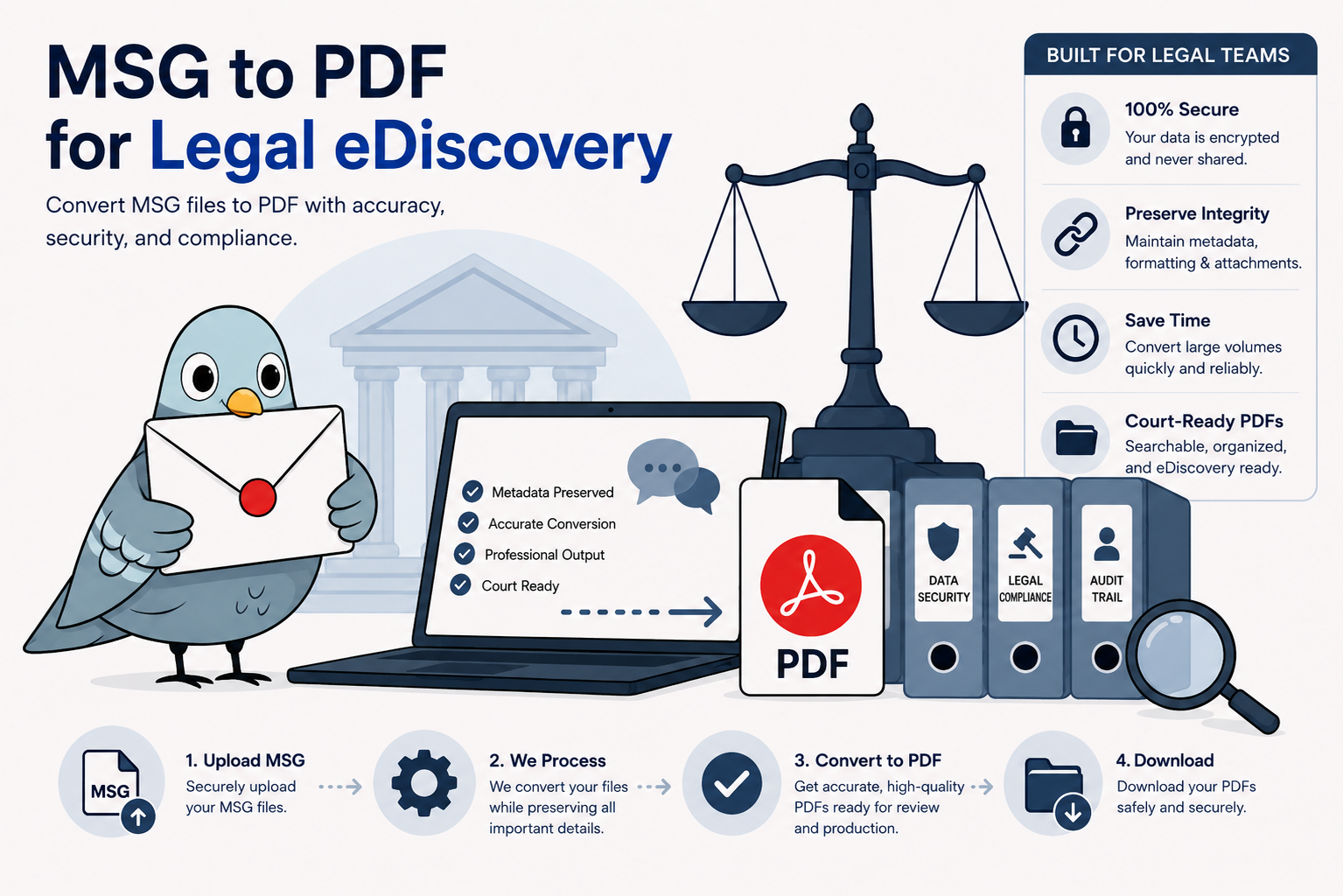
MsgToPdfConverter turns individual Outlook emails into readable, shareable PDFs with headers and attachments preserved — useful for document production, internal review, and exhibit preparation. It's not a full eDiscovery platform: it doesn't generate load files, apply Bates numbering, or produce a forensic chain-of-custody log. See below for what it does and doesn't cover.

Individual emails converted to separate PDF files for legal review

Why each email stays its own file

Legal technology guidance generally advises against document productions delivered as one large merged PDF — it makes individual documents difficult to isolate, cite, or reference cleanly during review. This tool's default behavior already follows that principle: converting a batch of emails produces one PDF per email, not a single combined file.

For organizing files before or after conversion: since Bates numbering isn't built in, a consistent file naming convention — date, sender, and subject — makes files easier to track manually. If your matter requires formal Bates numbering, apply it afterward with dedicated PDF tools once your set of converted files is ready. See the full conversion guide for step-by-step instructions.

Converting one email, or several

For a single document, drag the .msg or .eml file into the converter and download the PDF — no account needed for the first few. If you're producing several emails at once, a free account unlocks batch conversion so you can convert them together instead of one at a time.

What this tool handles well

  • Readable, shareable records. Convert an email into a PDF that opens on any device, for anyone — opposing counsel, a client, or a colleague — without them needing Outlook.
  • Preserved headers and attachments. Sender, recipients, subject, and timestamp come through with the message, along with any attached files, rather than being stripped out.
  • Fast turnaround on individual documents. Useful for exhibit prep, quick production requests, or pulling a specific email for internal review without specialized software.
  • No installation required. Works on any device — useful when you need to convert something quickly outside your usual environment.

Where this fits

Exhibit preparation

Turn a specific email into a clean PDF for a filing or presentation.

Small-scale document production

Respond to a limited request for a handful of emails without specialized software. Need more volume? See batch conversion.

HR & internal investigations

Convert relevant emails into a shareable, reviewable format for internal records. Free and paid plans available depending on volume.

Client communication records

Save important correspondence as a permanent, portable file for the case record.

Frequently asked questions

Does the PDF preserve metadata for evidentiary purposes?

Visible header information (sender, recipients, subject, timestamp) is preserved in the PDF. This tool does not generate cryptographic hash values or a formal chain-of-custody record — consult your litigation-support team on whether that's required for your matter.

Is this suitable for large-scale eDiscovery?

For high-volume productions with load files, Bates numbering, or deduplication requirements, a dedicated eDiscovery platform is the appropriate tool. This converter is best suited to individual documents or smaller productions — see plan options if you need higher conversion volume.

Does it apply Bates numbering?

No, Bates numbering isn't currently supported.

Is the file secure during conversion?

Files are encrypted in transit, processed in memory, and automatically deleted from our servers within 24 hours. See the conversion guide for more on how the process works.