MSG to PDF Converter vs. Zamzar: A Straight Comparison
Zamzar is one of the first results you hit when you search for file conversion tools. It lists MSG-to-PDF as a supported format. And it works — to a degree. The question is whether “works to a degree” is good enough for what you’re actually trying to do.
This comparison breaks down where the two tools differ, where Zamzar’s general-purpose approach creates problems for MSG specifically, and when each one is the right choice.
The Core Difference: General-Purpose vs. Purpose-Built
Zamzar converts hundreds of file formats: documents, images, audio, video, ebooks, archives. MSG is one item in a very long list. This isn’t a knock on Zamzar — being a general-purpose converter is exactly what it’s designed to be. But it means MSG support is one of many things it handles, not the thing it’s optimized for.
MSG to PDF Converter does one thing: converts email files (MSG and EML) to PDF. The entire parsing logic, the output formatting, the handling of edge cases — all of it is built around email file conversion specifically. That focus shows up in the output quality, particularly for emails with complex formatting, non-standard encoding, or detailed metadata.
Accuracy: What Actually Gets Preserved
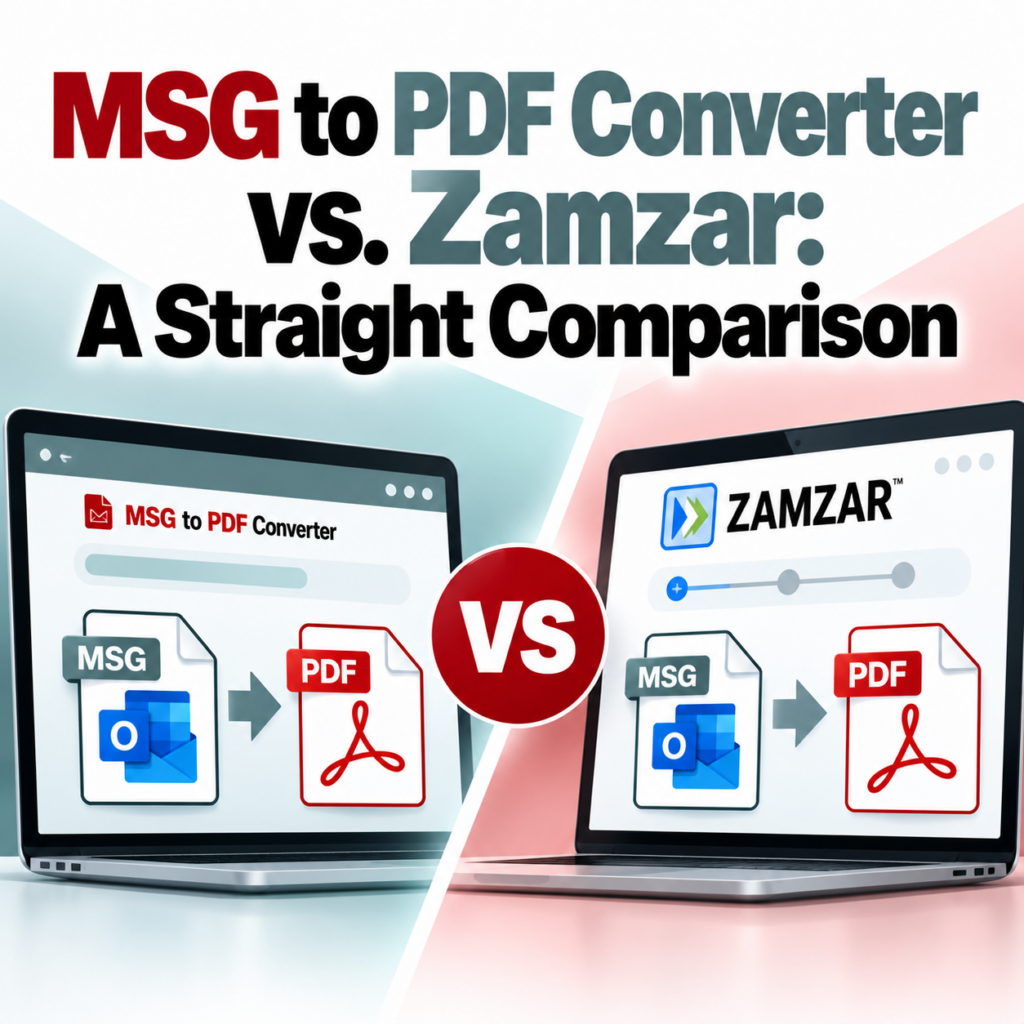
This is where the practical difference is most visible. Here’s how the two tools typically compare on output completeness:
| Element | MSG to PDF Converter | Zamzar |
|---|---|---|
| Full email headers (From, To, CC, BCC, Date, Subject) | ✓ Complete | Varies — BCC often dropped |
| Body formatting | ✓ Preserved | Often flattened or stripped |
| Inline images | ✓ Included | Sometimes dropped |
| Attachment references | ✓ Listed | Inconsistent |
| Reply thread history | ✓ Preserved | Sometimes truncated |
| Non-Latin characters | ✓ Handled correctly | Encoding issues common |
The BCC issue deserves emphasis. Zamzar’s MSG parser frequently drops the BCC field from the output PDF. For personal use, this may not matter. For legal review, compliance purposes, or any situation where you need an accurate representation of who received the email, a PDF missing the BCC field is not a complete document. The legal eDiscovery guide covers this in more detail.
Batch Conversion
Zamzar’s free tier allows single-file conversions with a size limit. Paid plans allow multiple files. The batch experience is designed for general file conversion — not specifically for processing large sets of email files.
The bulk MSG converter is designed around the email conversion use case: consistent output formatting across a batch, one-PDF-per-email output, and a workflow that makes sense for processing sets of message files rather than arbitrary file types.
Privacy and File Handling
Both tools handle files online, which means understanding their data handling matters. Email files frequently contain sensitive content — business communications, client records, legally privileged information.
Zamzar’s terms allow them to store converted files for several days (the exact period varies by plan). Their business model includes offering download links via email, which means files pass through their servers and are retained temporarily.
MSG to PDF Converter automatically deletes files after 24 hours. Files are encrypted in transit. The tool never accesses your email account or inbox — it only processes files you explicitly upload.
Speed
Zamzar’s free tier involves waiting for an email notification with a download link — you upload, wait, and come back. Paid plans offer direct downloads without the email step.
MSG to PDF Converter processes conversions in-browser and returns results directly without an email intermediary. For individual files, you get the output immediately.
EML File Support
If you’re dealing with EML files in addition to MSG files, Zamzar supports both formats with the same general-purpose parser. MSG to PDF Converter offers a dedicated EML to PDF converter that uses format-specific parsing. The accuracy advantages from purpose-built parsing apply to EML conversion as well.
When Zamzar Makes Sense
Being straight about this: Zamzar is a reasonable choice when:
- You need to convert one or two MSG files and don’t need complete metadata (no BCC, basic formatting is fine)
- You’re already a Zamzar subscriber using it for other file type conversions and want to keep your tools consolidated
- The specific MSG file is simple — text-only body, no attachments, no unusual encoding — where the accuracy gap is minimal
When MSG to PDF Converter Makes Sense
The better choice when:
- You need complete email metadata in the output, including BCC
- The emails have formatting, inline images, or attachments that need to be preserved
- You’re converting files for legal, compliance, or archival purposes where accuracy is non-negotiable
- You need to process multiple files efficiently with consistent output
- You want immediate output without an email notification step
- Your emails include non-Latin characters or complex encoding
Bottom line: If you need the output PDF to be an accurate representation of the original email — all headers, complete formatting, every field — use a purpose-built tool. If you need to quickly convert a simple email and accuracy of metadata isn’t critical, Zamzar works. The detailed side-by-side comparison is on the comparison page.
Pricing Comparison
Zamzar’s free tier is limited to small files and includes wait times. Paid plans start at a monthly subscription and are oriented toward general file conversion use cases rather than email specifically.
MSG to PDF Converter offers 3 free conversions as a guest (no account) and 10 free conversions with a free account — enough for most individual use cases at no cost. Batch conversion is included with an account. See the pricing page for full details on plans and limits.
Which One Should You Use?
If your only goal is to quickly read the content of a simple MSG file and you’re already familiar with Zamzar, it’ll get you there. If output quality matters — for sharing, for legal purposes, for archiving, or because the email has meaningful formatting or metadata — use a tool built for email conversion. The output difference is real, and it shows up most clearly in exactly the situations where accuracy matters most.
The conversion guide walks through the process step by step. The FAQ covers common questions about file handling and account setup.
Want complete, accurate MSG-to-PDF output? Try the purpose-built converter — 3 free conversions, no account required.Convert MSG to PDF Now →