
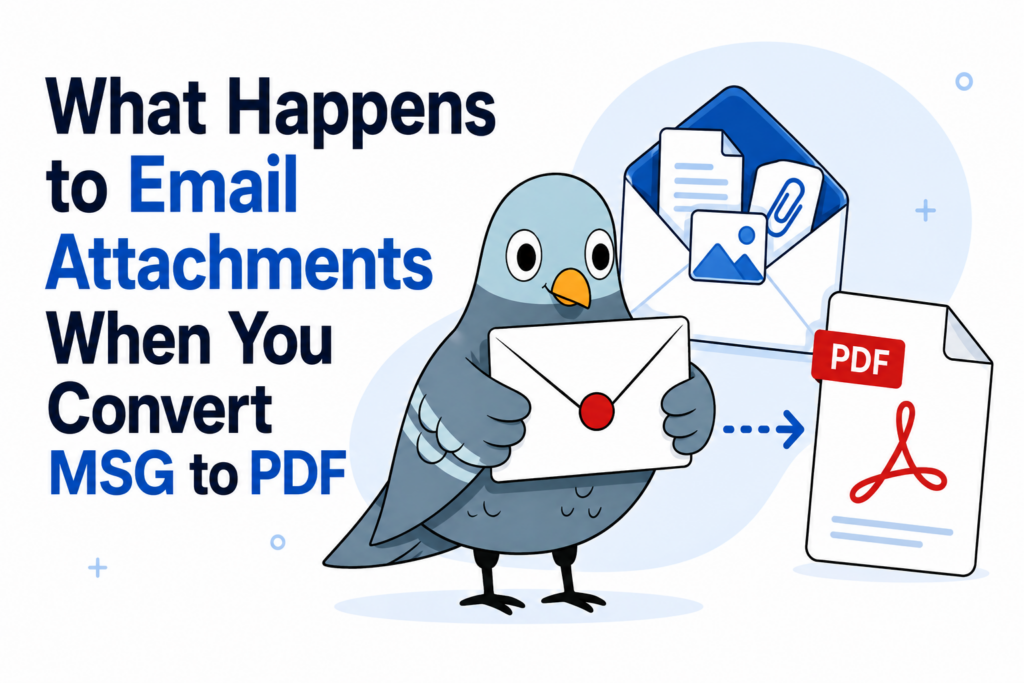
When you convert an MSG file to PDF, attachments aren’t dropped or ignored — they’re appended into the same PDF, right after the email body, so you get one combined document instead of a separate file for each attachment.
How it actually works
The conversion happens in a specific order: the email header and body are converted first, forming the beginning of the PDF. Then each attachment is converted and appended as additional pages in the same file. The result is a single PDF that reads like the original email, attachments included, rather than a ZIP folder of separate files.
Which attachment types are supported
Common document and image formats convert cleanly, including:
- .docx and .doc (Word documents)
- .jpg, .png, .gif, .bmp, .tif, and .webp (images)
- .pdf (existing PDFs, appended as-is)
- .txt (plain text)
What about less common formats?
[Confirm: exact fallback behavior for attachment types outside this list — e.g. spreadsheets, compressed archives, or other file types — should be verified before publishing, since users will reasonably expect a clear answer here.]
Why this matters for archiving
For anyone converting emails for record-keeping or legal purposes, this matters more than it might seem — a converted email that silently drops its attachments is missing part of the record. If you’re archiving or exporting for a legal matter, see how this fits into legal and eDiscovery use cases. For exporting many emails at once, see bulk conversion.
What if an attachment is itself an email?
[Confirm: how nested/forwarded email attachments are handled — this is a real edge case worth a clear, verified answer rather than a guess.]
Try it yourself
Convert an MSG file with attachments to see the combined output firsthand.