Someone forwarded you an email attachment ending in .msg and your computer has no idea what to do with it. You double-click and get a blank icon, an “unknown file type” warning, or a prompt asking you to choose an app from a list where nothing looks right.
The short answer: a .msg file is a Microsoft Outlook file, and almost nothing except Outlook can open it natively. The fastest fix for most people is to convert the .msg file to PDF, which opens on any device without installing anything. Below is why the problem happens and five ways to get the email open, ranked from quickest to most involved.
What a .MSG File Actually Is
A .msg file is a single saved email from Microsoft Outlook. When someone drags an email out of Outlook onto their desktop, or uses File then Save As, Outlook writes the whole message into one proprietary container: the subject line, sender and recipient addresses, timestamps, the full message body with its formatting, and every attachment that came with it.
That container uses a Microsoft structured storage format. It is not plain text, it is not HTML, and it is not a standard email file. Your PDF reader, browser, and phone have no built-in instructions for reading it, which is why they fall back to a generic file icon. If you want the deeper technical breakdown, see our guide on what an MSG file is and how it stores data.
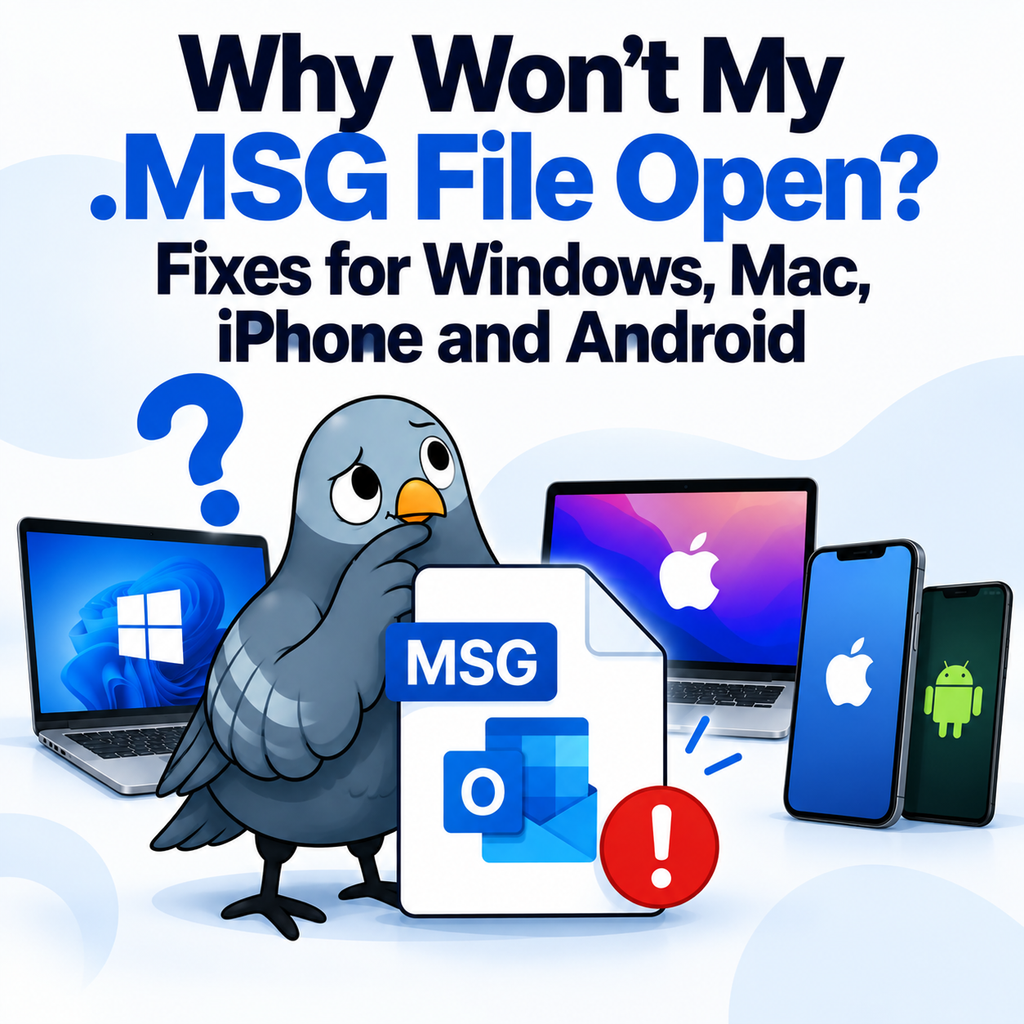
Why the File Won’t Open on Your Device
The specific symptom depends on the device, but the cause is always the same missing format support:
- Windows without Outlook: the file shows a blank white icon and Windows offers to search the Microsoft Store for an app. Nothing in the default install can read it.
- Mac: Apple Mail does not support .msg. Even Outlook for Mac handles saved .msg files inconsistently depending on version.
- iPhone and iPad: tapping the attachment shows a preview screen that stays blank or throws a “cannot open file” message.
- Android: the file downloads but no installed app claims it, so tapping it does nothing at all.
- Gmail, Google Drive, and web mail: the attachment downloads fine but preview is unavailable, because Google does not render Outlook’s proprietary format.
One more cause worth ruling out: the file may have been renamed or corrupted in transit. If the original email was zipped, forwarded several times, or downloaded through a strict email gateway, the .msg wrapper can be damaged. If every method below fails on one specific file but works on others, ask the sender to resend it inside a ZIP archive.
Fix 1: Convert the MSG File to PDF
This is the option that works on every device, requires no software, and produces something you can actually keep, forward, and file. A converter reads the Outlook container, pulls out the headers and body, and writes a PDF that looks like the original email.
Our free MSG to PDF converter runs in the browser. Upload the .msg file, wait a few seconds, and download the PDF. Files up to 10MB are supported, and you get three free conversions as a guest or ten with a free account. Uploaded files are encrypted in transit and deleted after 24 hours.
The output keeps the from and to addresses, subject, date and time, and message formatting, so the PDF is usable as a record rather than just a readable copy. That matters if you are saving the email for HR, finance, or a legal matter.
Fix 2: Ask the Sender to Resend It Differently
If you only need to read one email and you are dealing with a colleague rather than an archive, the simplest fix is social. Ask them to forward the email normally instead of attaching the saved copy, or to save it as a PDF from their own Outlook before sending.
This fails when the .msg came from a document management system, a discovery export, or a batch of files someone handed you. In those cases the sender usually cannot resend, and you need a conversion method.
Fix 3: Open It in Outlook (If You Have It)
If Outlook is installed and the file still will not open, the file association is probably broken. On Windows, right-click the .msg file, choose Open with, then Choose another app, select Outlook, and tick the box to always use this app. The file will open in a normal Outlook message window from then on.
If Outlook is not installed, a Microsoft 365 subscription is the only supported way to get it, which is a heavy fix for reading one email. Note that Outlook on the web does not open local .msg files, so a browser-based Microsoft 365 plan will not help here.
Fix 4: Rename the Extension (Limited Success)
You will find advice online telling you to rename the file from .msg to .eml or .txt. Be honest about what this does. Renaming changes the label, not the contents. A text editor will show you fragments of readable text buried in binary junk, which is sometimes enough to find a date or a sentence, but the formatting, the headers, and the attachments will be unreadable.
Renaming to .eml almost never works, because EML is a different format entirely. EML is a plain text standard used by Apple Mail, Thunderbird, and most non-Microsoft clients. MSG is Microsoft’s binary format. They are not interchangeable by rename.
Fix 5: Install a Third-Party MSG Viewer
Free desktop viewers exist for Windows and Mac. They work, but they carry the usual desktop software trade-offs: an install on a machine you may not control, bundled extras in some installers, and no help if you later need the email on your phone or in a shared folder.
A viewer also leaves you where you started. You can read the email, but you still cannot easily share it with someone who has no viewer installed. Converting once solves both problems.
What to Do If You Have Dozens of MSG Files
One-off conversion is fine for a single attachment. If you have been handed an export folder with fifty or five hundred .msg files, converting them one at a time is not realistic.
Our bulk MSG to PDF converter handles multiple files in one upload, which requires a free account. This is the normal situation for anyone working through a mailbox export, a records request, or a legal or eDiscovery production, where the receiving side almost always expects PDFs rather than Outlook files.
Frequently Asked Questions
Can I open a .msg file without Outlook?
Yes. Converting it to PDF in a browser is the fastest method and works on Windows, Mac, iPhone, and Android without any installation.
Does converting a .msg file lose the attachments?
Attachments are stored inside the .msg container. Check how your converter handles them before you rely on the output as a complete record, especially for legal or compliance use.
Why can’t my iPhone open a .msg attachment?
iOS has no built-in reader for Microsoft’s proprietary Outlook format. Convert the file to PDF and it will open in the standard Files preview.
Is it safe to upload a .msg file to an online converter?
Check the deletion policy before uploading. Our converter encrypts files in transit and deletes them after 24 hours, and it never requests access to your inbox.
The Fastest Path to a Readable Email
The reason your .msg file will not open is that it was never meant to leave Outlook. Every fix is really a way of getting the email out of Microsoft’s container and into a format the rest of the world can read. PDF is the format that works everywhere, keeps the email looking like an email, and holds up as a record months later.
Convert your MSG file to PDF now and open it on any device in under a minute.