An MSG file from someone you don’t recognize deserves the same caution as any unexpected email attachment — because functionally, that’s exactly what it is.
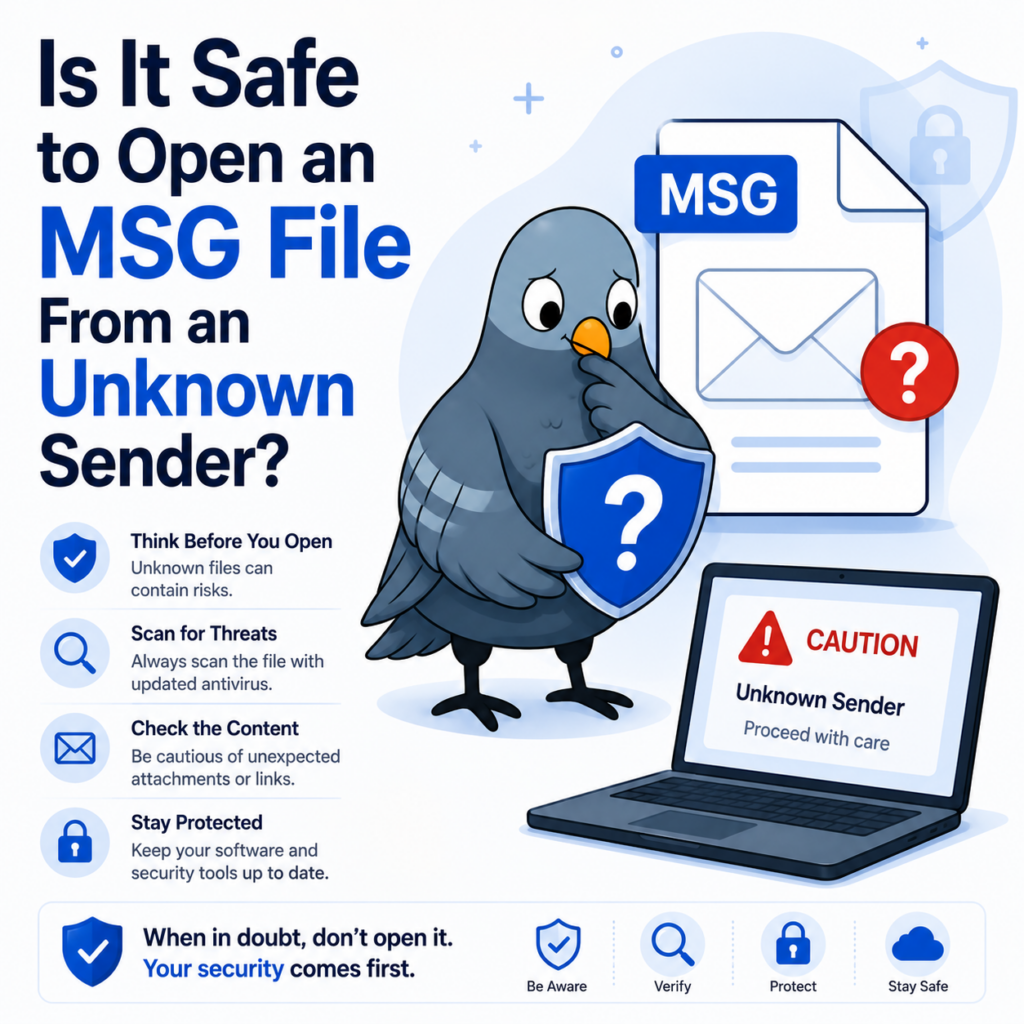
What actually makes an MSG file risky
An MSG file itself isn’t inherently more dangerous than a regular email, but it can carry the same risks: malicious links in the message body, phishing attempts impersonating a real sender, or attachments embedded within the MSG file that carry malware. The risk lives in the content, not the file format itself — an MSG file is essentially a saved copy of an email, so anything dangerous an email could contain, a suspicious MSG file could contain too.
What phishing typically looks like in an MSG file
The warning signs are the same ones that apply to phishing generally, since a saved MSG file carries the exact content of the original email:
- Urgency or pressure language — “your account will be suspended,” “action required immediately” — designed to make you act before thinking carefully.
- Mismatched sender details — a display name claiming to be someone familiar, paired with an email address that doesn’t actually match their real domain.
- Requests for credentials, payment, or personal information — legitimate organizations rarely ask for sensitive information directly through an email link.
- Links that don’t match their display text — hovering over a link (where possible) to see the actual destination before clicking is one of the simplest checks available.
What to check before opening one
- Does the sender address actually match who they claim to be? Check the full email address, not just the display name — spoofed display names are one of the most common phishing tactics precisely because most people only glance at the name.
- Were you expecting this file? An unsolicited MSG file, especially one urging urgent action, fits a common phishing pattern regardless of how legitimate the sender name looks.
- Scan it with antivirus software first, the same way you would any unexpected attachment, before opening it in any application.
- Don’t enable macros or run embedded content if your viewer prompts you to — this applies to any attachments contained within the MSG file, not the MSG file’s own body content.
A safer way to preview one
Opening a suspicious MSG file directly in Outlook can render embedded content and links exactly the way any received email would. Converting it to PDF instead gives you a static, non-interactive view of the message and its attachments — links and embedded content aren’t executable in the same way, which makes it a reasonable way to review something questionable before deciding whether to engage with it further.
That said, a PDF isn’t automatically risk-free either — treat any converted file with the same judgment you’d apply to the original: don’t click suspicious links even inside a PDF, and stay cautious of anything asking for credentials or personal information.
If you’re reviewing this on behalf of a business
Business email compromise — where an attacker impersonates a vendor, executive, or client to request a wire transfer or sensitive data — often arrives as exactly this kind of unexpected file. If an MSG file claims to be from a known business contact but the request feels unusual (a sudden change in payment details, an out-of-character urgent ask), verifying through a separate, known channel before acting is worth the few minutes it takes.
When in doubt
If a file looks even slightly suspicious, the safest move is verifying with the supposed sender through a separate channel — a phone call or a new email to an address you already know is correct — before opening it at all.